
Using the Serva Embed code

Serva works on any website builder. All you have to do is to copy-paste your custom HTML code. Below, we show you how to use Serva on Webflow, Wordpress and Framer.
1. Retrieving the Embed code
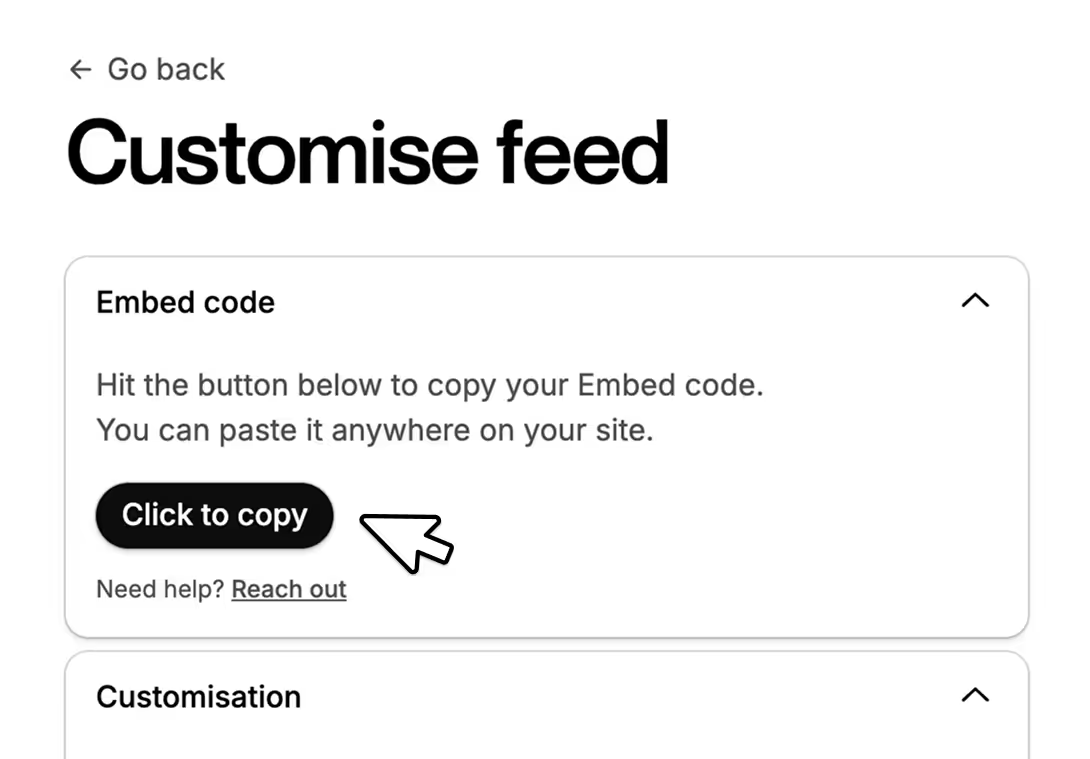
- Open your desired Feed.
- Hit on the Click to Copy button.
- Your Embed code is now in your clipboard. Head over to your website to paste it.
Still don't have a Feed? Check out: How to create your first Embed.
Using Serva with Webflow
- Open your Webflow website in Designer mode.
- Select a container element where you'd like your Feed to show.
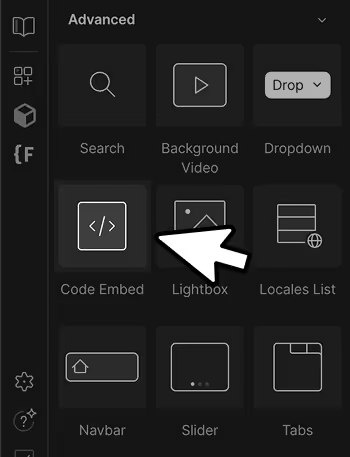
- Add a new Code Embed element.
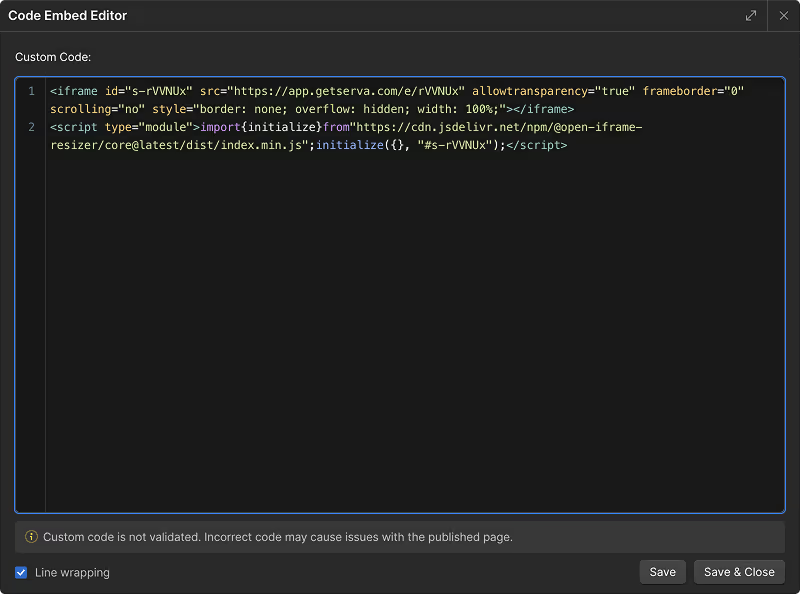
- Paste your code inside and hit Save & Close.
- You can now Publish your site! Feel free to style the container element to your liking. Serva will automatically stretch to fit the whole screen width.
Using Serva with Wordpress
- Open your Wordpress website.
- Select a container element where you'd like your Feed to show.
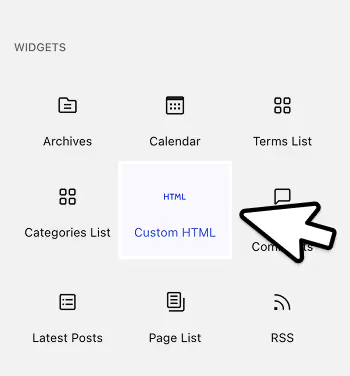
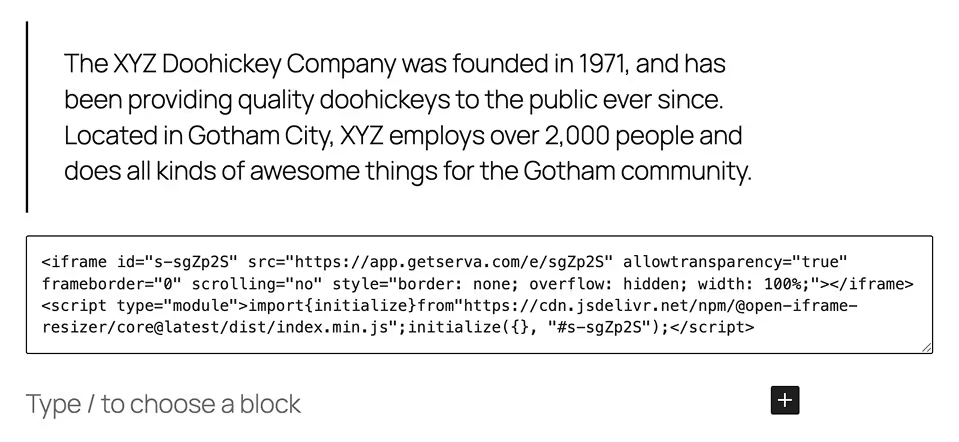
- Add a new Custom HTML element.
- Paste your code inside.
- You can now Publish your site! Feel free to style the container element to your liking. Serva will automatically stretch to fit the whole screen width.
Using Serva with Framer
- Open your Framer website.
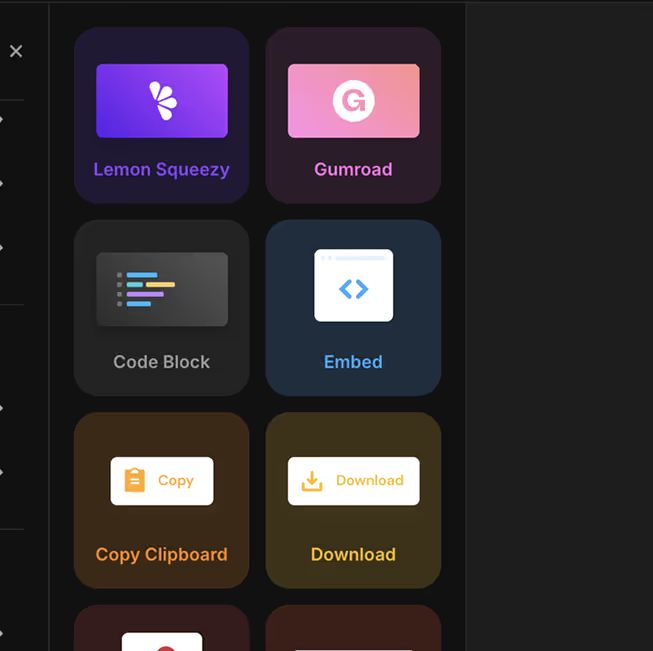
- Add a new Embed element.
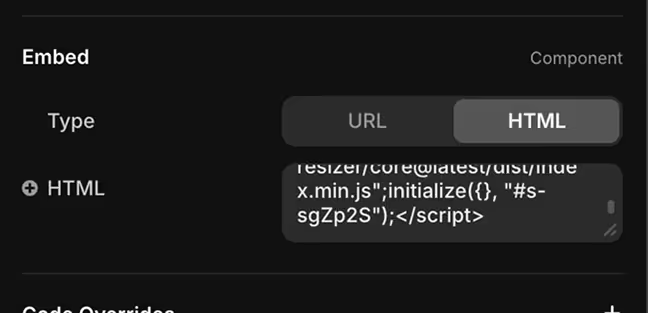
- Double-click it to access the properties panel
- Switch the Embed type to HTML and paste your code inside.
- You can now drag the Embed anywhere on your page.
- Feel free to style the container element to your liking. Serva will automatically stretch to fit the whole screen width.
Framer may apply a fixed size on the embed. To fix this, set the Embed element's width to Fill. Finally, adjust the element's height to your liking.
Have a question?
Or perhaps a feature idea? Click here – we’d love to hear from you!